0.45.0
Apr 1, 2026File Previews, Codex Personalities
You can now hover on any diffs to see syntax-highlighted previews:
You can now turn on Claude Code tool approvals in Settings → Account. If you'd like to enforce all employees at your org have tool approvals, email us humans@conductor.build.

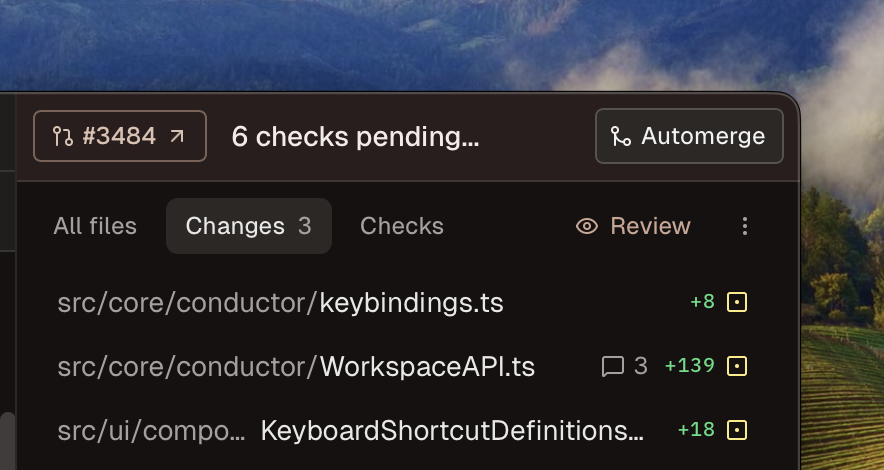
You can now turn on automerge in Settings → Experimental.
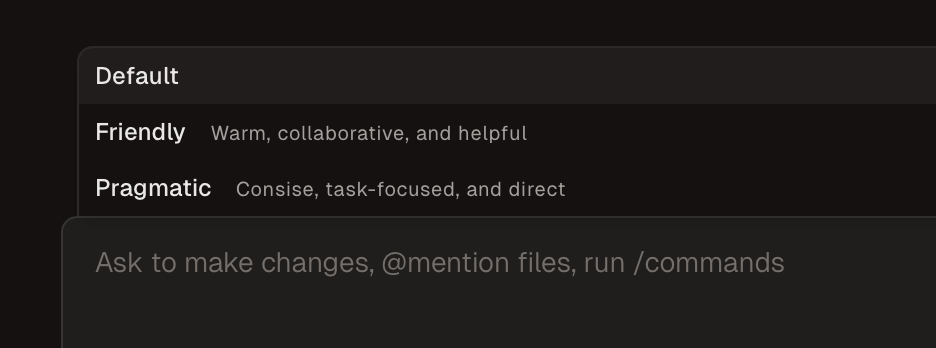
We now support Codex /personality :
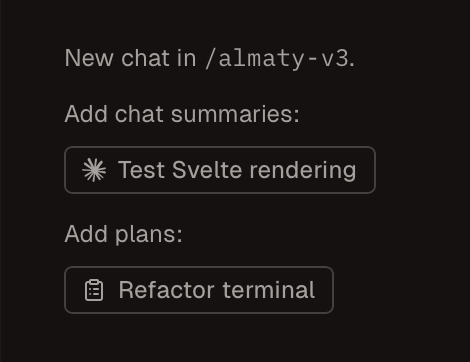
You can now add plans to chat context in one-click in the new tab empty state:
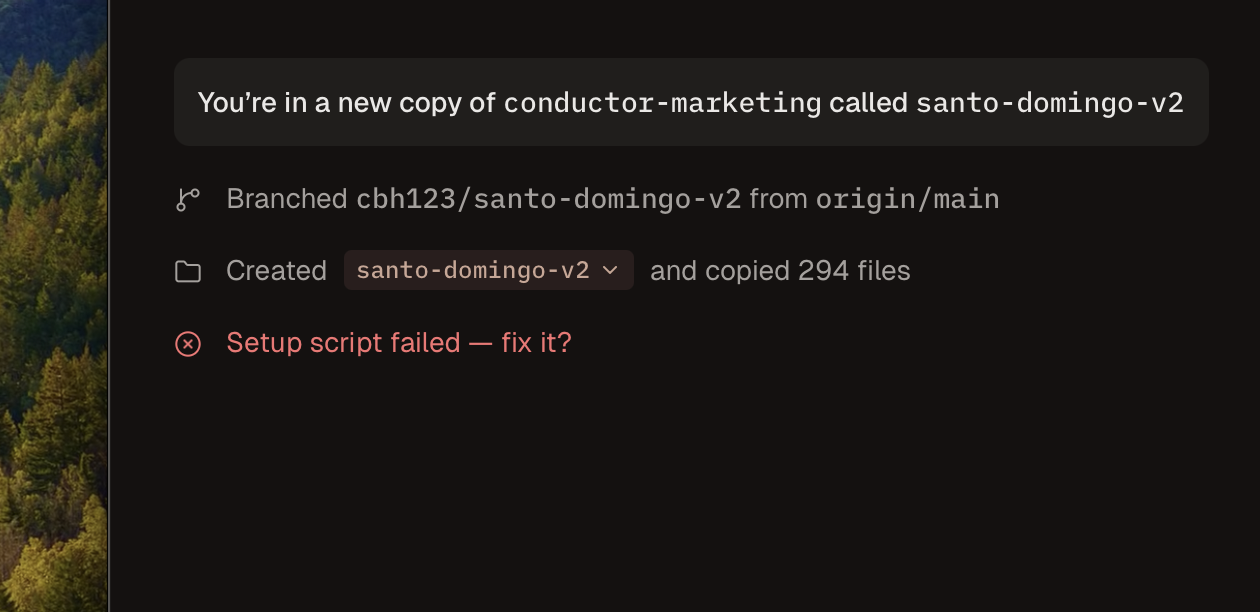
Finally, if a setup script fails, you can now click to ask the AI to fix it for you:
Improvements
- Improved typing performance in the command palette
- Merge conflict resolution UI (conflicted files sorted to top of git panel, accept buttons in diff view) is now always enabled
- The file editor now supports syntax highlighting for 60+ languages (up from ~25), and unrecognized file types show material design icons instead of a generic file icon
- Added appearance setting to always show colored line diffs in the sidebar
- Added Codex personality controls for new chats
- Make approved plans accessible from their session, and more easily sharable to other sessions
- Add JetBrains DataGrip as an "open in" app option
- Markdown links are now clickable in chat, opening the file in a tab
- File icons are now consistent across attachments and file lists
- Improved performance when browsing files and git changes
Fixes
- Fix a bug causing workspace order in the sidebar to jump unpredictably
- Fixed an issue where approving a Codex plan with feedback stayed in plan mode
- Fixed an issue where switching to an old chat would place you in the middle instead of the bottom
- Fixed an issue where Codex follow-up messages could lose chat context after a session reload
- Fixed an issue where Open in > Finder could open the wrong folder after a workspace rename
- Fixed an issue where queued chat replies could still show unread and play completion notifications
- Fix checkpointing with Claude Code (upgrade to 2.1.84)
- Fixed an issue where files with non-ASCII names (e.g. Chinese characters) were displayed incorrectly in the changes tab
- Fixed a crash when rapidly clicking the React profiler button
- Fixed an issue where large files could freeze or crash the workspace
- Filenames in agent messages are now clickable
- Disabled macOS predictive text suggestions appearing in text inputs
- Fixed an issue where changed file summaries in a chat sometimes only appeared after reopening the session
- Fixed an issue where pressing Enter in the composer created a newline instead of sending the message
- "Open in Finder" now opens directories to show their contents instead of selecting them in the parent folder
- Fuzzy file search now ranks shorter paths higher when match quality is equal
- Fixed a bug where the agent would appear to resubmit an old plan
- You now receive a macOS notification when an agent requests tool permission
- Fixed an issue where attachments would remain in the composer after using built-in actions like Create PR